Unlocking Copilot Studio Agents: Changing Managed Solution Knowledge Source URLs with DevOps Pipelines
Unlocking Copilot Studio Agents: Changing Managed Solution Knowledge Source URLs with DevOps Pipelines
Date: 2026-03-17
Struggling to update Knowledge Source URLs in Copilot Studio managed solutions? Discover a robust DevOps pipeline approach to dynamically configure your Agents across environments.
Tags: ["Copilot", "Power Platform", "DevOps", "Microsoft 365", "Automation"]
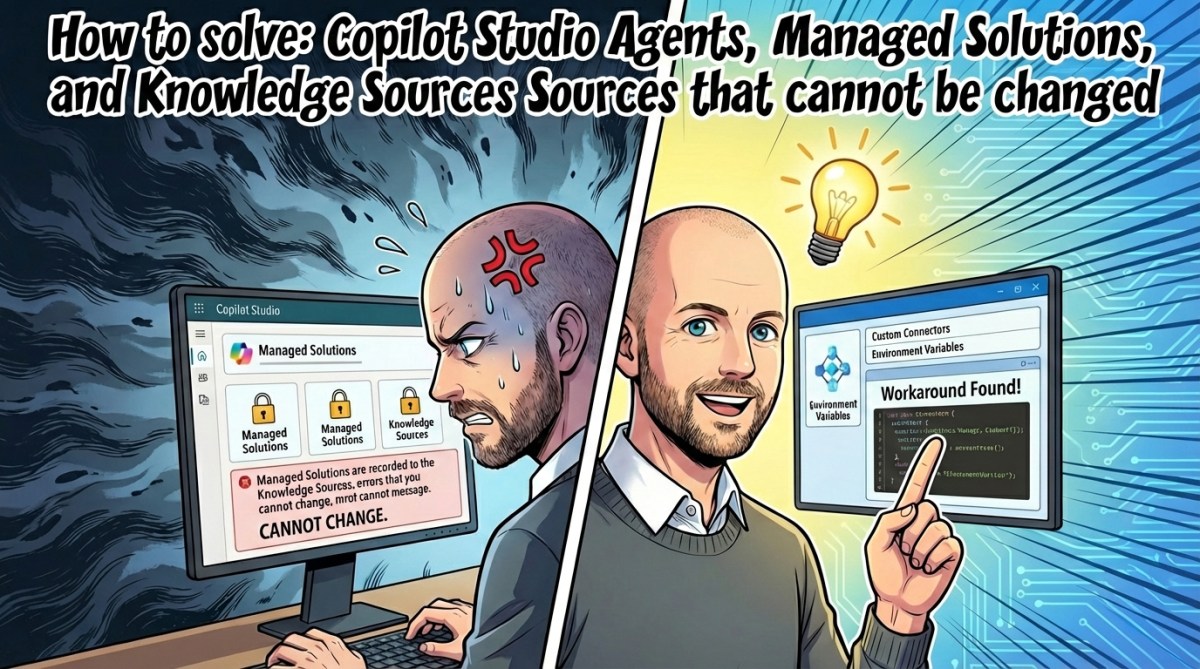
Deploying Copilot Studio Agents with managed solutions brings a challenging limitation: once deployed, the Knowledge Source URL embedded within the managed solution cannot be changed. This becomes a significant hurdle when working with multiple environments—development, testing, production—or even when those environments reside in separate tenants. How can we reconcile the need for environment-specific configurations with these locked-down managed solutions?
In this post, based on Simon Doy's insightful article, we'll explore a practical solution that leverages Power Platform DevOps pipelines combined with a custom PowerShell script. This approach automates unpacking the managed solution, modifies the Knowledge Source URL, repackages the solution, and deploys it with environment-specific configurations. No manual edits, no hacks—just scalable pipeline automation.
Whether you're a Microsoft 365 developer, a Power Platform specialist, or an automation engineer, understanding this method equips you to maintain flexible, maintainable Copilot Studio Agents across your enterprise deployment lifecycle.
Architecture Overview
┌─────────────────────────────────────────────┐
│       Copilot Studio Managed Solution       │
├─────────────────────────────────────────────┤
│ • Agent Definitions including Knowledge URL │
│ • Packaged as Zip                          │
└─────────────────────────────────────────────┘
                    ↓
┌─────────────────────────────────────────────┐
│         DevOps Build & Release Pipeline      │
├─────────────────────────────────────────────┤
│ • Exports Managed Solution                  │
│ • Unpacks & Modifies Knowledge Source URL  │
│ • Repackages & Publishes Updated Solution  │
└─────────────────────────────────────────────┘
                    ↓
┌─────────────────────────────────────────────┐
│          Target Environment (Dev/Test/Prod) │
├─────────────────────────────────────────────┤
│ • Deploy Updated Managed Solution           │
│ • Copilot Agent uses Environment-specific URL│
└─────────────────────────────────────────────┘
This flow ensures that your Copilot Agents always point to the correct Knowledge Source URL appropriate for the deployment environment, without manual reconfiguration or unsupported customization of managed solutions.
Key Technical Observations
-
Immutable Managed Solution Component — The Knowledge Source URL is embedded inside the managed solution and, by design, cannot be altered post-deployment in the Power Platform. This necessitates a workaround upstream in the deployment process.
-
Solution Unpacking and Repacking — By leveraging the Power Platform solution packaging format (ZIP archives with explicit folder structures and XML/JSON data files), it's possible to unpack the solution, perform targeted modifications, then repackage without breaking the solution integrity.
-
Custom PowerShell Script Automation — The
Update-PowerPlatformSolutionKnowledgeSite.ps1script locates the folder matching a naming convention for the targeted Knowledge Source, edits the internal data file’s site URL parameter, and saves changes seamlessly. -
Integration with YAML Pipelines — The method integrates neatly into existing Azure DevOps YAML pipelines (
i365-powerplatform-solution-release-pipeline.yml), allowing parameters controlling Knowledge Source updates per environment stage, supporting fully automated CI/CD. -
Environment Isolation Support — This approach enables a strict environment separation strategy, allowing different URL configurations across development, testing, and production environments, critical for tenant-isolated deployments.
-
Reusability & Extensibility — The pipeline and script-based approach can be extended to support additional configurable parameters or different components that require environment-specific overrides within managed solutions.
How It Works
Step 1: Export and Unpack the Managed Solution
First, your DevOps build pipeline exports the Power Platform managed solution as a ZIP file and then unpacks it into a directory structure suitable for editing. Managed solutions contain folders and files representing agents and knowledge sources in a well-defined schema.
Step 2: Locate and Modify the Knowledge Source URL
The key is the PowerShell script Update-PowerPlatformSolutionKnowledgeSite.ps1 stored in the tools folder of the repo. It takes three parameters:
Update-PowerPlatformSolutionKnowledgeSite.ps1 `
  -DirectoryPath "C:\path\to\unpacked-solution" `
  -KnowledgeSourceName "HumanResources" `
  -SiteUrl "https://contoso.sharepoint.com/sites/hr"
The script looks for a folder with a name pattern similar to:
[AgentName].knowledge.[KnowledgeSourceName]_*
E.g.:
cr633_copilotForHr.knowledge.HumanResources_XHInmH4G9R5qccpXQxHCs
Inside this folder, a data file contains a 'site' parameter referencing the previous Knowledge Source URL. The script replaces this parameter with the new URL passed via -SiteUrl.
Step 3: Repackage the Solution
After modification, the solution's folder structure is zipped back into a managed solution package using the updated content. This repackaged managed solution now contains the new Knowledge Source URL.
Step 4: Deploy to the Target Environment via Release Pipeline
Finally, the release pipeline deploys this updated managed solution to the target environment (Dev, Test, or Production). Because the Knowledge Source URL is now correctly set per environment, the deployed Copilot Agent functions with the intended knowledge base source.
Pipeline Configuration Details
To enable this automation, edit the release pipeline YAML (i365-powerplatform-solution-release-pipeline.yml), locate the environment stages, and update the parameters:
KnowledgeSourceUpdate: true
KnowledgeSourceName: HumanResources
KnowledgeSourceSiteUrl: https://contoso.sharepoint.com/sites/hr
Setting KnowledgeSourceUpdate to true triggers the execution of the script to update the Knowledge Source URL during the pipeline run.
Quick Tips & Tricks
-
Parameterize URLs Early — Keep a consistent naming convention for Knowledge Sources across environments to streamline automated updates.
-
Leverage YAML Variables — Use pipeline variables or variable groups to store environment-specific Knowledge Source URLs securely.
-
Test Unpack/Repack Manually — Before automating, try unpacking and repacking your managed solution locally to validate changes and avoid pipeline errors.
-
Use Latest PowerShell Modules — Ensure your pipeline agents have up-to-date Power Platform and Azure PowerShell modules to avoid compatibility issues during deployment.
-
Keep Solution Versioning Clear — Increment solution version numbers appropriately after updates to ensure predictable upgrade behavior.
-
Monitor Logs Closely — Capture and review pipeline logs during the update and deployment steps for quick troubleshooting of pathing or permission issues.
Conclusion
Managed solutions in the Power Platform provide critical benefits for governance and repeatability but impose constraints such as immutable Knowledge Source URLs inside Copilot Studio Agents. By embracing the DevOps pipeline approach combined with a simple PowerShell modification script, you regain full control and flexibility over your agent configurations across multiple environments. This solution enables proper testing, tenant isolation, and reliable production deployment workflows.
As the Copilot Studio platform evolves, hopefully native support for environment variables to configure Knowledge Sources will simplify this scenario. Until then, this method offers a robust, automated path to keep your AI agents accurate and environment-aware. Experiment with this pattern, adapt it for your needs, and stay ahead in building scalable Microsoft 365 Copilot solutions.
References
- How to solve: Copilot Studio Agents, Managed Solutions, and Knowledge Sources that cannot be changed - Simon Doy
- Power Platform Build and Deployment Pipelines - Simon Doy
- How to Build a Custom MCP Server with the .NET MCP SDK - Simon Doy
- Missing Topics and Agent Components in Deployed Copilot Studio Solutions?
- Simon Doy’s Microsoft 365 and Azure Dev Blog