Solving Unexpected Topic Switching in Microsoft 365 Copilot Studio Agents
Solving Unexpected Topic Switching in Microsoft 365 Copilot Studio Agents
Date: 2026-03-17
Understand why your Copilot Studio agent switches topics unexpectedly and how to configure question activities to maintain conversational flow.
Tags: ["Copilot Studio", "Microsoft 365", "AI Agents", "Topic Switching"]
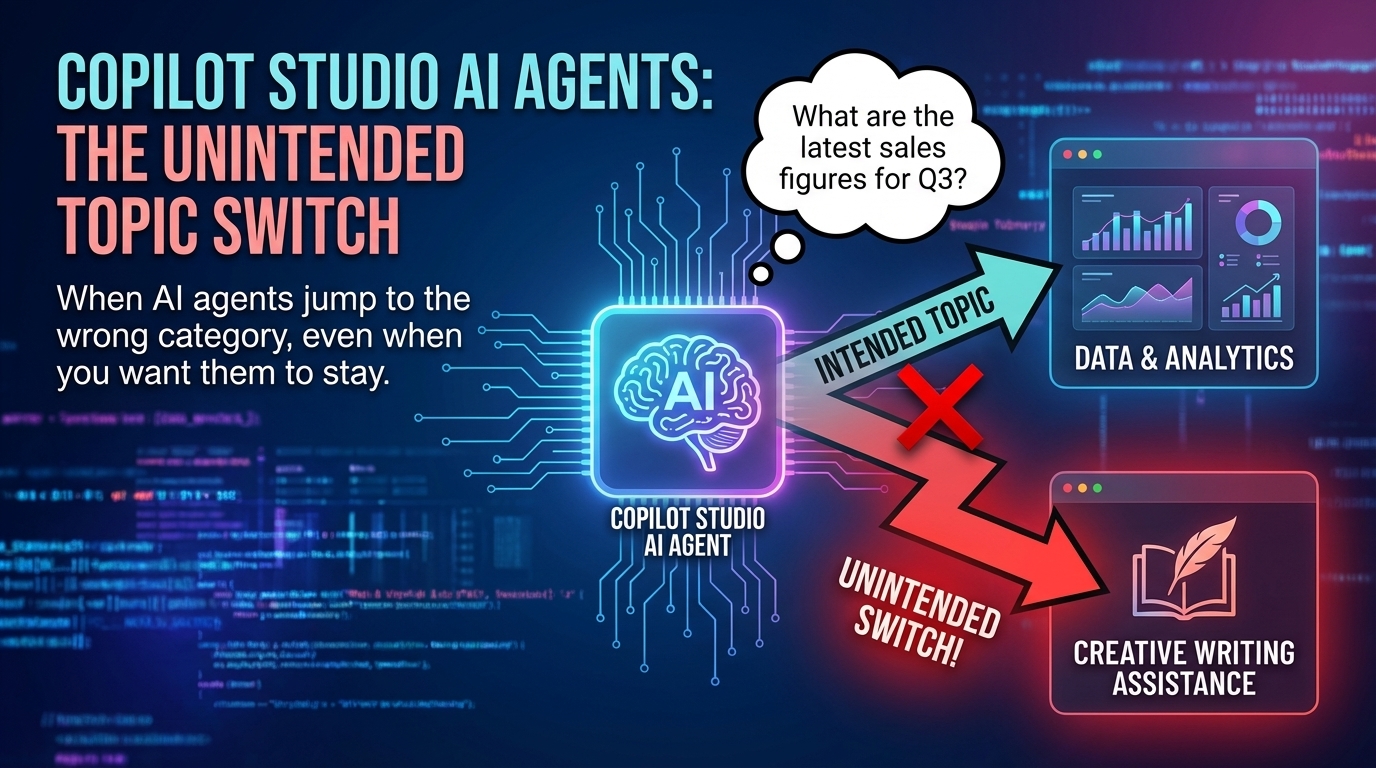
Microsoft 365 Copilot and its companion Copilot Studio agents have transformed how organizations build AI-powered conversational assistants. However, developers sometimes face an issue where a Copilot Studio agent unexpectedly switches from one conversation topic to another mid-dialogue.
This post explores the root causes of this disruptive topic switching and explains how to configure your question activities so your agent remains "on topic." If you’ve encountered this problem, this guidance will help you regain control of your conversational flows and ensure continuity across complex dialogs.
Understanding Topic Switching in Copilot Studio
The Copilot Studio orchestrator evaluates user inputs and decides which topic handler to invoke next. A common cause of unexpected topic switching is how the orchestrator interprets user responses within question activities.
The orchestrator re-evaluates user input after each response, which can cause it to abandon the current topic if the input matches conditions in another topic. Proper configuration of question activities and topic triggers is crucial to prevent this.
Key Considerations
-
Topic Trigger Exclusivity — Ensure each topic has exclusive trigger conditions to avoid overlapping matches that confuse the orchestrator.
-
Question Activity Configuration — Configure question activities to continue the current topic flow after receiving an answer, preventing the orchestrator from switching topics prematurely.
-
State Management — Maintain conversation state explicitly to help the orchestrator respect the current topic context across turns.
-
Prompt Design — Carefully design prompts and expected answers to reduce ambiguity and unintended topic matches.
-
Testing and Monitoring — Use Copilot Studio’s testing tools and logs to detect and troubleshoot unexpected topic switches.
Conclusion
Unexpected topic switching in Copilot Studio agents can disrupt conversational continuity but can be mitigated by careful configuration of question activities, topic triggers, and conversation state management. Understanding how the orchestrator uses user inputs and conditions empowers developers to build more reliable AI assistants.
References
- Help My Copilot Studio Agent Keeps Switching Topics | Doy's Microsoft 365 and Azure Dev Blog — Original post discussing the issue.
- My experiences with Copilot Studio Gen AI agents behaving in unexpected ways — Related insights by Simon Doy.
Image credit: Simon Doy's Microsoft 365 and Azure Dev Blog